Hot


Hold to climb, let go to dive, and thread the needle through neon space.
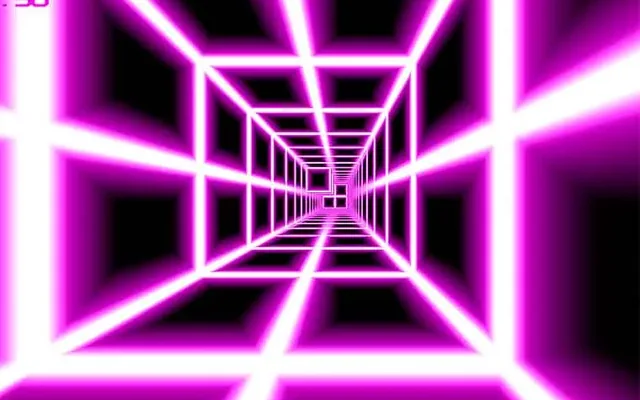
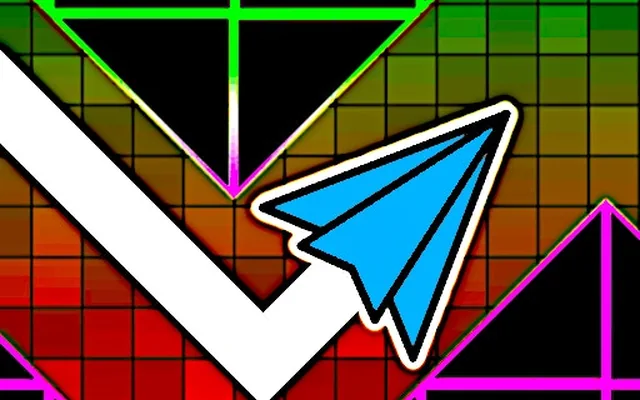
Space Waves takes the most nerve-racking idea from rhythm platformers, the wave, and builds an entire game around it. You control a small arrow that constantly zigzags forward through tight neon corridors. Hold the button and it slants upward; release and it angles down. That single input has to carry you past spikes, narrow gaps, and walls that close in without warning.
Levels are short but intense, with glowing visuals and a pulsing beat that helps you find the timing. Some sections tighten the gap to just a few pixels, while others flip gravity or shrink your ship. It is a quick game to start and a tough one to put down once you are chasing a clean run.
Your arrow moves forward automatically, so your only job is to control its vertical path. Pressing and holding sends it diagonally upward, and letting go sends it diagonally downward, creating a sawtooth trail. Guide it through each corridor without touching the walls, spikes, or obstacles, because any contact ends the attempt. Portals along the way can change your size, speed, or direction, forcing you to adjust your rhythm on the fly. Reach the end of the level to unlock the next one, and replay stages to improve your consistency and collect any rewards along the path.
| Hold SpaceorUp Arrow | Fly upward |
| Release | Dive downward |
| Hold Left Mouse Button | Fly upward (mouse) |
| Tap and hold screen | Fly upward (touch) |
| Esc | Pause |
It borrows the wave mode from Geometry Dash, where your icon zigzags up and down as you hold and release. Space Waves focuses entirely on that mechanic, so every level is built around the diagonal flying pattern rather than mixing in cube jumping or other game modes. Fans of the wave sections will feel right at home.
In tight corridors, long holds swing your arrow too far up or down. Try rapid, short taps to flatten your path, and keep your eyes a little ahead of the ship so you react to the next bend in time. Practicing one section repeatedly is the fastest way to build the needed timing.
Yes. It is a lightweight browser game, so it runs smoothly on Chromebooks and most school laptops without any download. On Classroom 6X just open the page and click to start. It also responds to touch input, which makes it playable on tablets and phones.
Hand-picked from the same categories.